About this product
Your AI content writer that works while you do other things.
RCWriter is a desktop app for Windows that writes articles automatically using AI, on a schedule you choose, and can publish them straight to your website. You set up how the writing should sound, what it should know, and when it should happen. RCWriter does the rest in the background for as long as your computer is on.
How it works
You create writers, give each one a schedule, and RCWriter produces the articles. Each finished article is saved on your computer and, if you choose, sent to your website. You're notified before each article is written and again when it's done.
Writers: your instructions, knowledge and voice
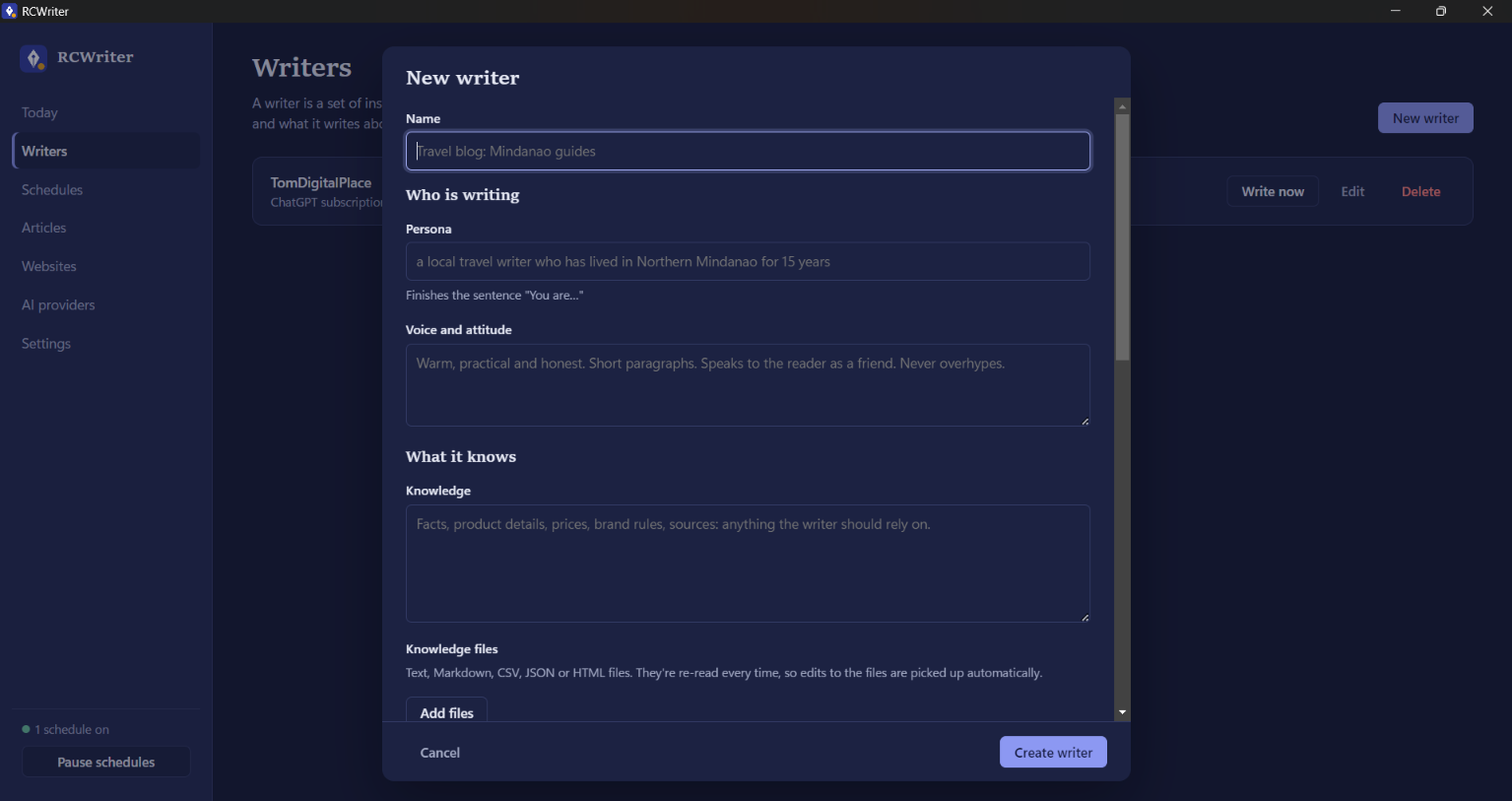
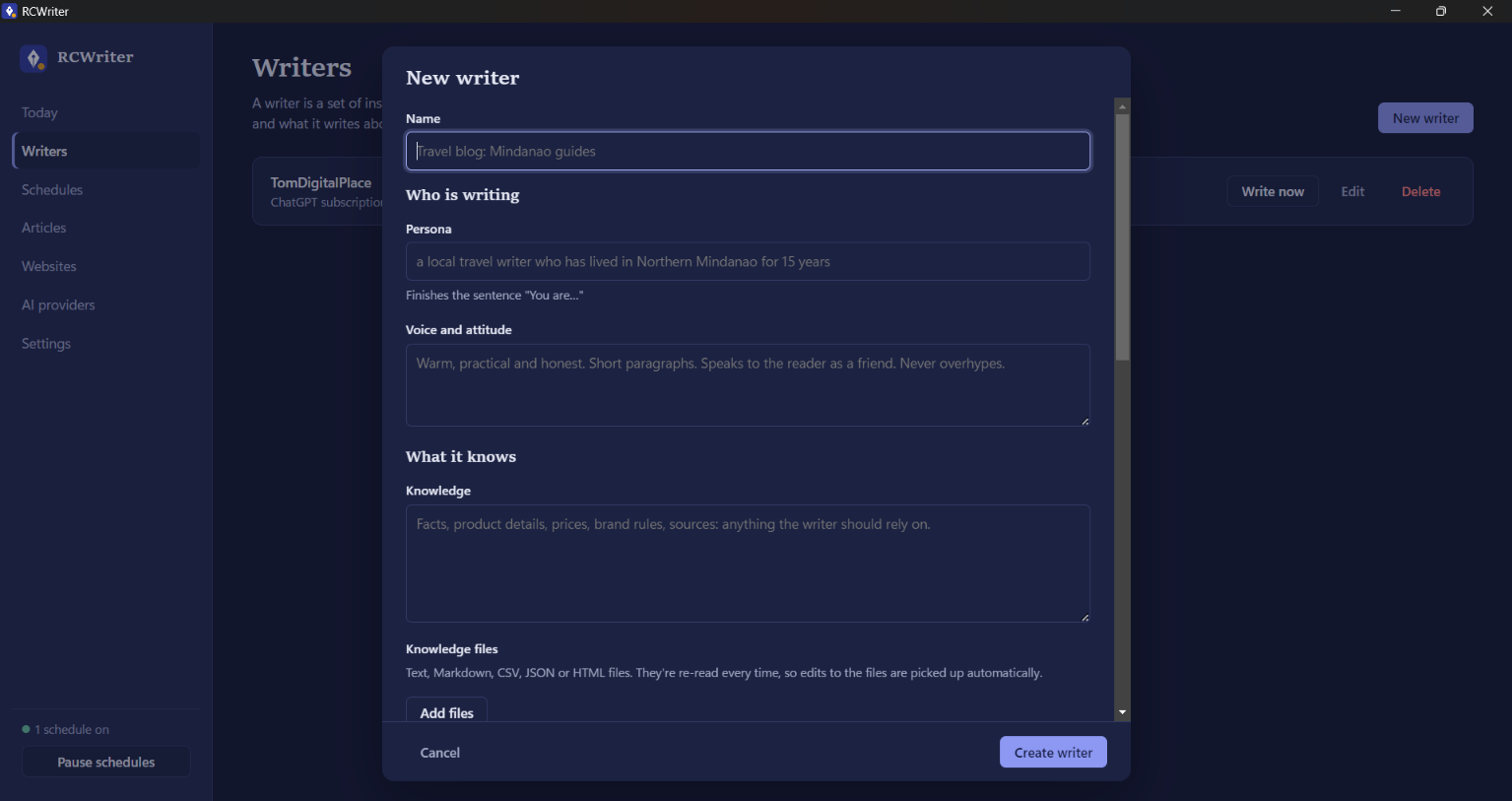
A writer is a reusable set of instructions for one kind of content. Make as many as you need: one per website, client, topic or publication.
Each writer has:
- Persona. Who the AI is when it writes, for example "a local travel writer who has lived in Northern Mindanao for 15 years."
- Voice and attitude. How it sounds: warm or formal, playful or serious, short paragraphs or in-depth explanations.
- Knowledge. Facts the writer should rely on, such as product details, prices, brand rules or sources. You can type it in or attach text files (TXT, Markdown, CSV, JSON or HTML). Attached files are re-read every time, so updating them updates the writer.
- Instructions. Standing rules for every article, like "use H2 subheadings," "end with a short FAQ" or "include a call to action."
- Topics. A list of subjects to write about. RCWriter can go through them in order, pick one at random, or treat them as themes and let the AI choose a fresh angle. Leave the list empty and the AI picks topics based on your instructions and knowledge.
- Language and length. Write in any language, at roughly the word count you set.
- No repeats. RCWriter remembers what each writer has already published and avoids repeating titles or angles.
- SEO meta description. Optionally added to each article.
Schedules: when articles get written
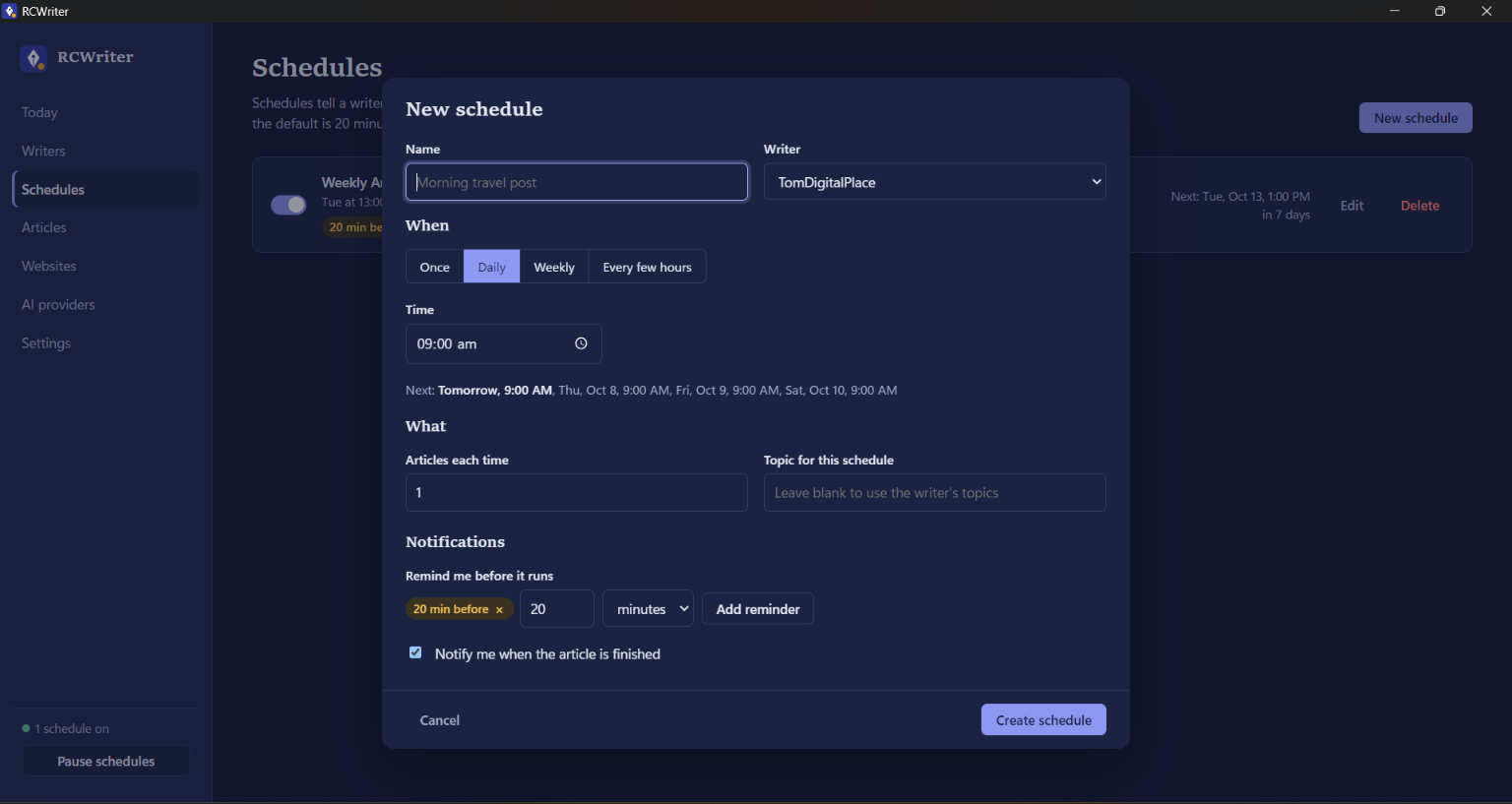
Each schedule tells a writer when to work:
- Once: at a specific date and time
- Daily: at the same time every day
- Weekly: on the days you pick, such as weekdays only
- Every few hours: for example every 6 hours, starting when you choose
Each run can write between 1 and 10 articles. A schedule can also use its own topic instead of the writer's topic list. You can turn schedules on and off individually, or pause everything at once.
Notifications and reminders
RCWriter shows desktop notifications so you always know what's happening:
- Before an article is written. By default you get a reminder 20 minutes before. You can add as many reminders as you like per schedule, in minutes, hours or days before.
- When an article is finished. Click the notification to open and read it.
- If something goes wrong, such as an expired sign-in or a website that rejected the post, with a plain explanation of what to fix.
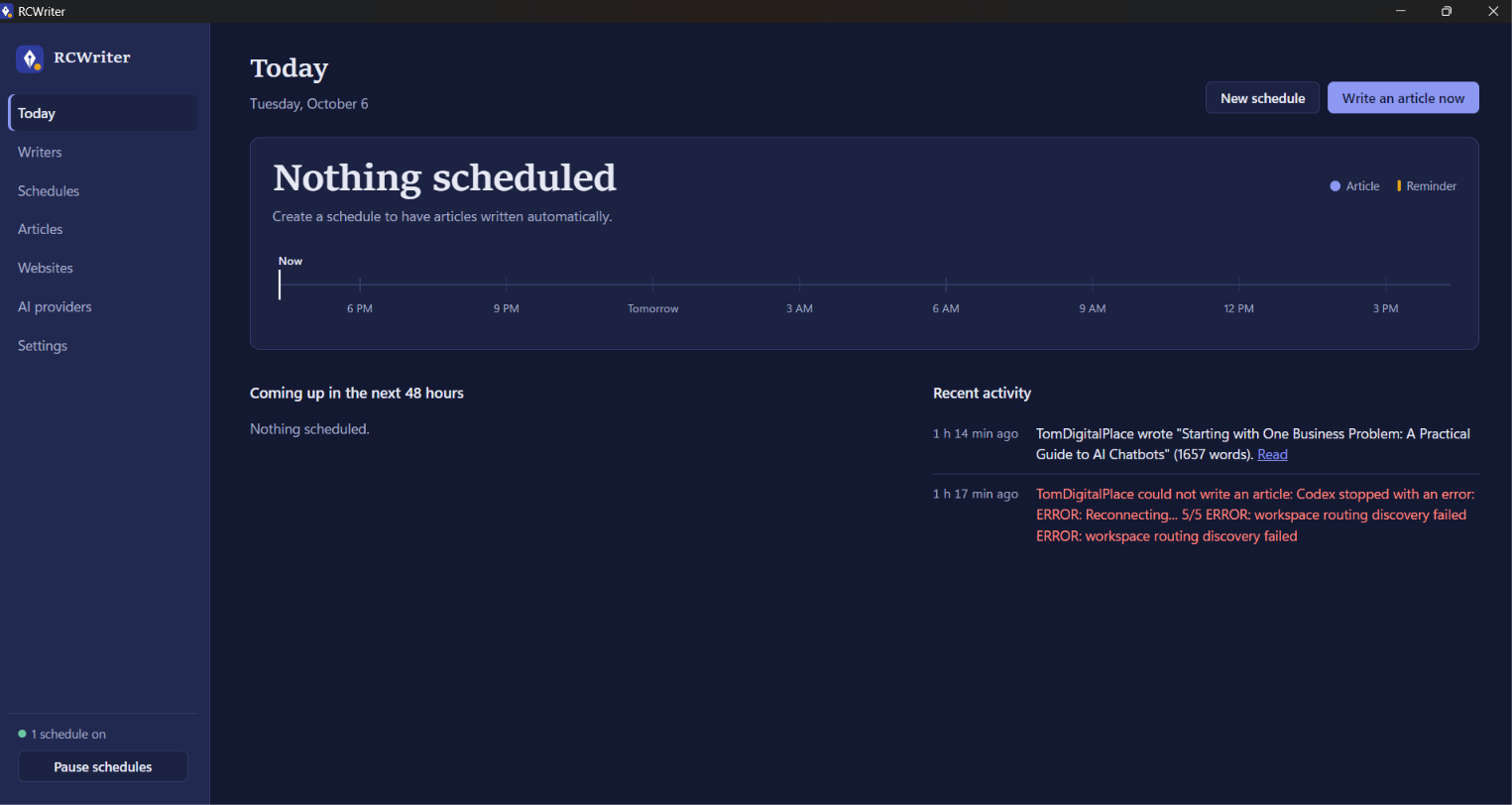
The Today screen shows a 24-hour timeline of upcoming articles and reminders, a list of everything coming up in the next 48 hours, and recent activity.
AI providers: use your subscription or API keys
- ChatGPT subscription (Plus, Pro or Business). Sign in with your ChatGPT account and articles use your plan's included usage instead of pay-per-use billing. RCWriter uses OpenAI's official Codex app for this: click Install Codex once (about a 100 MB download), then Sign in with ChatGPT and approve in your browser. Your ChatGPT password never passes through RCWriter. Articles count toward your plan's usage limits.
- Claude (Anthropic) API key.
- OpenAI API key (pay per use).
- Gemini (Google) API key.
- Any OpenAI-compatible service, such as OpenRouter, DeepSeek, Groq or a local Ollama model.
With API keys, RCWriter loads the full list of models straight from each provider, so new models appear automatically when they're released. Each writer can use a different provider and model.
Why only ChatGPT supports subscription sign-in: Anthropic only allows Claude Pro and Max sign-ins in its own apps, and Google ended Google AI Pro sign-in for outside tools, so Claude and Gemini need API keys. Google AI Studio has offered a free tier for Gemini API keys.
Websites: automatic publishing
Connect the sites your writers publish to:
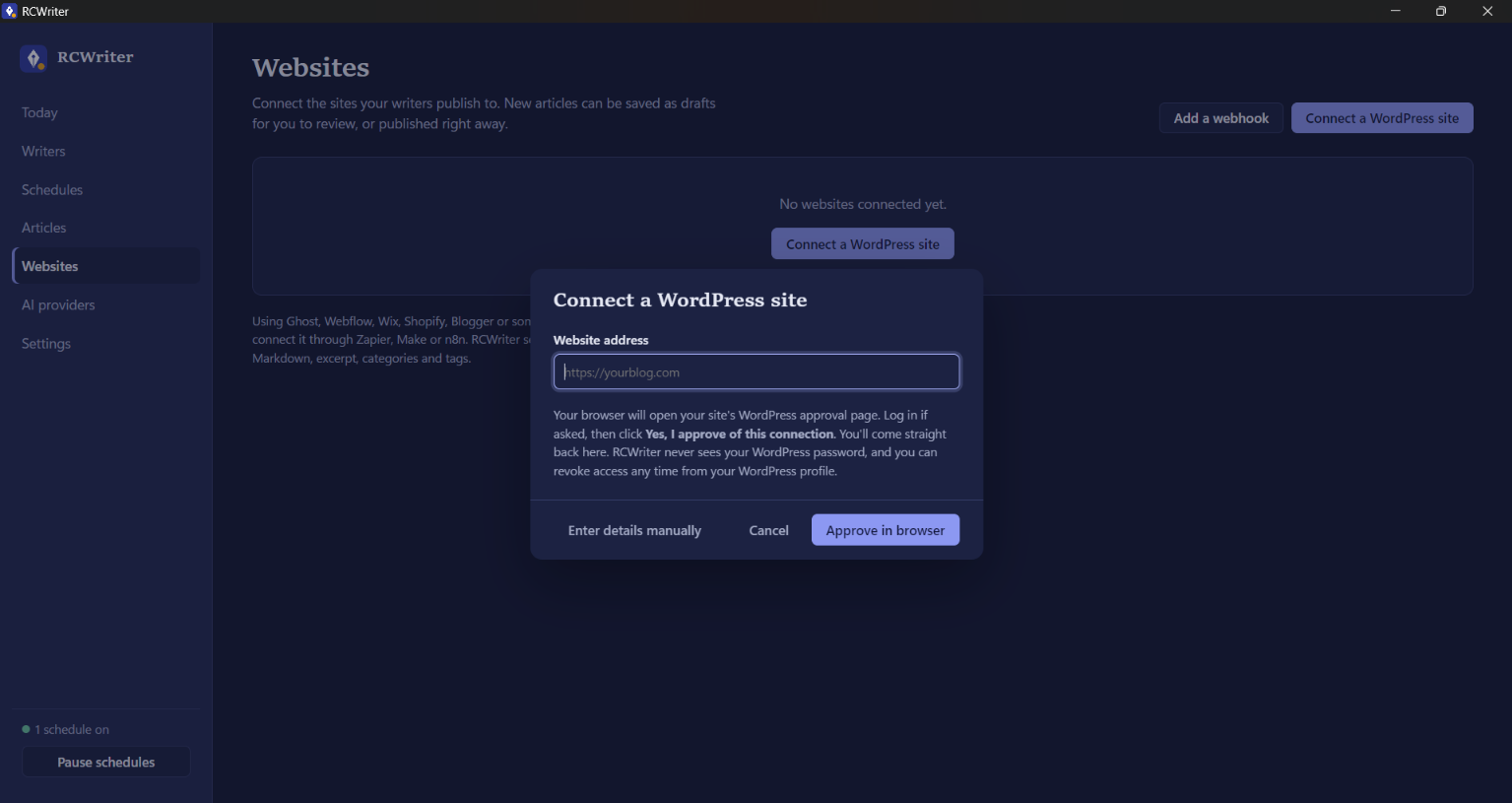
- WordPress. Enter your site's address and approve the connection on your own WordPress login page. RCWriter never sees your WordPress password, and you can revoke access anytime from your WordPress profile. Requires WordPress 5.6 or newer with HTTPS.
- Webhook. For Ghost, Webflow, Wix, Shopify, Blogger and other platforms, connect through Zapier, Make or n8n. RCWriter sends the title, HTML, Markdown, excerpt, categories and tags, with an optional signature for security.
For each writer, choose how new articles are published:
- Save as draft, so you can review before anything goes live
- Submit for review
- Publish immediately
- Publish privately
You can also set categories and tags; missing ones are created automatically. Any article can also be published manually with the Publish button, and published articles link straight to the live post and to the WordPress editor.
Articles: everything saved and searchable
Every article is saved as a Markdown file in Documents\RCWriter, with a folder for each writer, so you always have your own copy. Inside the app you can:
- Read articles in a clean reading view
- Search by title or writer
- Copy the text, open the file, or show it in its folder
- See where each article was published
- Get a warning if an article was cut short because it hit the length limit, with the setting to raise
Runs in the background
- Lives in the system tray. Closing the window keeps RCWriter running; use Quit in the tray menu to stop it.
- Starts when you sign in to Windows, quietly in the tray.
- Stays awake. It prevents Windows from suspending it in the background.
- Catches up on missed articles. If your computer was asleep or off when an article was due, RCWriter writes it when the computer wakes, within a time window you choose.
- Tray shortcuts: write an article now, pause all schedules, or lock the app.
Privacy and security
- App password. Set it during installation, on first launch, or later in Settings. RCWriter asks for it when it opens.
- Automatic locking when you close or minimize the window, when your computer locks or sleeps, or after an idle time you choose. Schedules keep running while it's locked.
- Protected credentials. Only a scrambled version of your password is stored, never the password itself. API keys and website logins are encrypted with Windows' built-in protection and stay on your computer.
- Brute-force protection. After 5 wrong attempts, unlocking pauses briefly.
- Forgot your password? You can reset it from the lock screen. To protect your accounts, this also erases saved API keys, website logins and the ChatGPT sign-in. Your writers, schedules and articles are kept.
Installation
- Download the three installer parts and Join-RCWriter-Installer.bat into one folder.
- Double-click Join-RCWriter-Installer.bat. It rebuilds the installer and starts it.
- If Windows shows "Windows protected your PC," click More info, then Run anyway. This appears because the installer isn't digitally signed yet.
- Choose who to install for and where, set your password (or skip), then click Install and Finish.
No programming tools or command line are needed.
Getting started in 4 steps
- AI providers: sign in with ChatGPT or add an API key.
- Websites (optional): connect your WordPress site or a webhook.
- Writers: create a writer with its persona, voice, knowledge, topics, model and publishing settings.
- Schedules: choose when it writes and when you want reminders.
Good to know
- Your computer must be on for articles to be written on time. Missed articles are caught up when it wakes.
- AI usage is billed by each provider to your own account, or counts toward your ChatGPT plan's limits. RCWriter doesn't add any AI charges.
- Review AI-written content before publishing anything important. Saving as a draft is the safest setting.
- System requirements: Windows 10 or 11 (64-bit) and an internet connection.