A visitor writes, “How much for a website redesign?” You reply with a rough number. They respond, “That’s more than I expected.” Only then do you learn they have forty pages, need an online shop and want to launch in three weeks.
The price you gave was a guess, and both sides spent time on it.
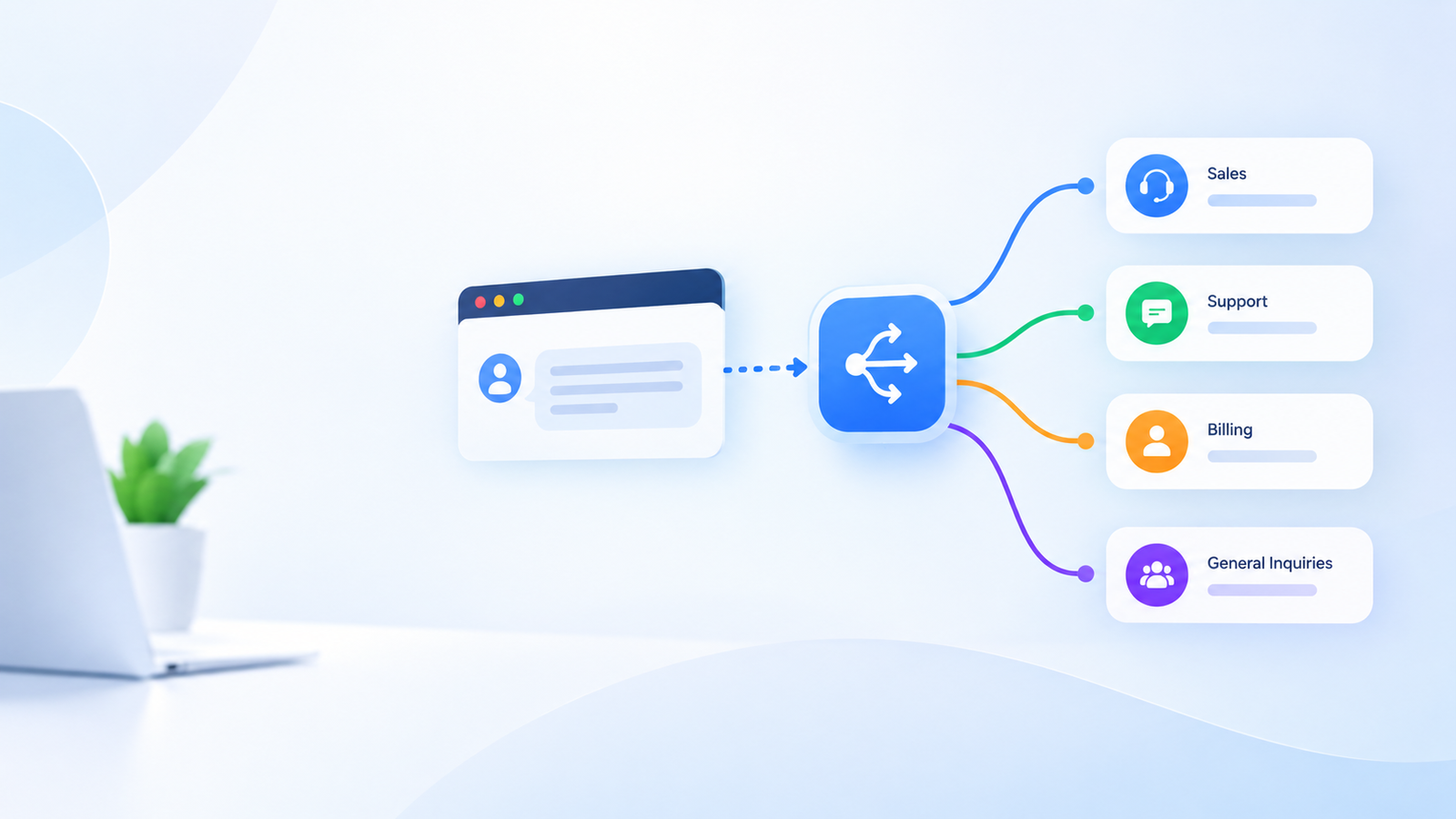
For service businesses, agencies and online sellers, this pattern is common. Visitors ask for a price before the business has the details needed to give a reliable one. A well-planned quotation request flow closes that gap by gathering the right information first, so a person can respond with confidence.
Key takeaways
- A quotation request is a request for a price, not an agreement. Keep the two clearly separate.
- Collect the details that change your price. Leave out anything that does not.
- Decide in advance which requests need human review.
- Tell visitors what happens after they submit.
- Test the flow with realistic requests before relying on it.
1. Identify what actually changes your price
Start with your past quotes. For each one, ask: what did I need to know before I could price this?
The answers differ by business:
- A cleaning company may need property type, size and frequency.
- A print shop may need quantity, materials and deadline.
- A web agency may need the number of pages, required features and existing content.
Write these as a short list. These are the details your quotation flow should collect. If a question does not affect the price or the decision to proceed, remove it.
2. Separate the essentials from the nice-to-haves
Long forms discourage people. Split your list into two groups:
- Needed to quote: without these, you cannot produce a meaningful price.
- Helpful but optional: details that speed things up but can be clarified in a follow-up call or email.
Begin with the first group. Aim for the smallest set that lets your team respond usefully. You can always ask more once the conversation is underway.
3. Let the conversation do the asking
A conventional form presents every field at once. A conversation can ask one question at a time and respond to the answers.
Hypothetical example: A visitor to a printing business asks, “Can you do 500 flyers?”
The assistant can confirm that flyer printing is offered, then ask:
“What size would you like, and do you need them by a particular date?”
Each answer narrows the request. By the end, the business has a structured summary rather than a vague message.
Keep the tone helpful. If the visitor only wants general information, answer the question and let them leave without submitting anything.
4. Be honest about what the assistant can and cannot say
This step matters most. An AI assistant should not invent prices, promise discounts or commit to deadlines it cannot verify.
Decide what it may do:
- Share published prices and ranges that you have confirmed and keep up to date.
- Explain how your pricing works in general terms.
- Collect the details for a custom quote.
And what it should leave to people:
- Custom or negotiated pricing.
- Special terms, guarantees and delivery commitments.
- Requests outside your usual scope.
If the assistant is unsure, it should say a team member will confirm. A clear “we’ll confirm this for you” is better than a confident wrong answer.
5. Make each request easy to act on
When a quotation request reaches your team, it should be readable at a glance. A good summary includes:
- The visitor’s name and preferred way to be contacted.
- The service requested.
- The key details collected, in plain language.
- Any timing or location constraints.
- Anything the assistant flagged as unclear or needing review.
Assign an owner. A request that sits in a shared inbox with no named person tends to wait. Agree who checks new requests and how quickly you aim to reply, then make sure that is realistic.
6. Set expectations for what happens next
After a visitor submits a request, tell them:
- That the request has been received.
- Who will review it.
- Roughly when they can expect a reply.
- How they will be contacted.
Only state timeframes your team can meet. If you say “within one business day,” someone must be checking. Silence after a submission is the quickest way to lose a prospect.
7. Handle payments with care
Some businesses can accept payment once a quote is agreed. If your setup supports it, keep the order clear: request, review, confirmed quote, then payment. Do not blur these stages.
Make sure the visitor understands what they are paying for and what has been agreed. Check which payment methods your setup supports, and test the full path before inviting real customers to use it.
8. Test with realistic requests
Before launch, run through the flow as a customer would. Try:
- A typical request with full details.
- A vague request with very little information.
- A request outside your services.
- A visitor who asks for a discount.
- A visitor who gives an invalid email address or phone number.
Check that the summary reaches the right person and contains what they need. AI responses can be incomplete or wrong, so review early conversations closely and correct the business information the assistant relies on.
9. Review and improve regularly
After launch, read a sample of conversations each week or month. Look for:
- Questions the assistant could not answer.
- Details your team still had to ask for.
- Requests that stalled without a reply.
- Quotes that changed substantially after follow-up.
Fix one weakness at a time. Often a single added question or a clearer answer on one topic makes the biggest difference.
FAQ
What is a quotation request flow?
It is a guided way for visitors to describe what they need so your team can prepare a price. It can be a form, a chat conversation, or a combination of the two.
Can an AI assistant give a price automatically?
It can share prices you have confirmed and published, such as fixed-rate services. For custom work, it is safer for the assistant to collect details and leave the final price to a person.
How many questions should I ask?
As few as you need to give a useful quote. Start with the details that change your price, and add questions only when you see a repeated gap in the information you receive.
How do I stop low-quality requests?
You cannot remove them entirely, but clear scope information, honest published ranges and a few well-chosen questions help visitors judge whether you are a fit before they submit.
Start with one service
Choose one service that you quote often. List the details that change its price, mark the essentials, name who reviews the requests and test the journey from first question to reply.
Keep the first version small enough to inspect closely. Once it works reliably, you can extend it to other services with confidence.
To discuss how AI assistance could support your quotation requests, contact TomDigitalSpace with a brief description of how you quote today.
 Ai Automation
 Ai Automation
 Ai Automation